
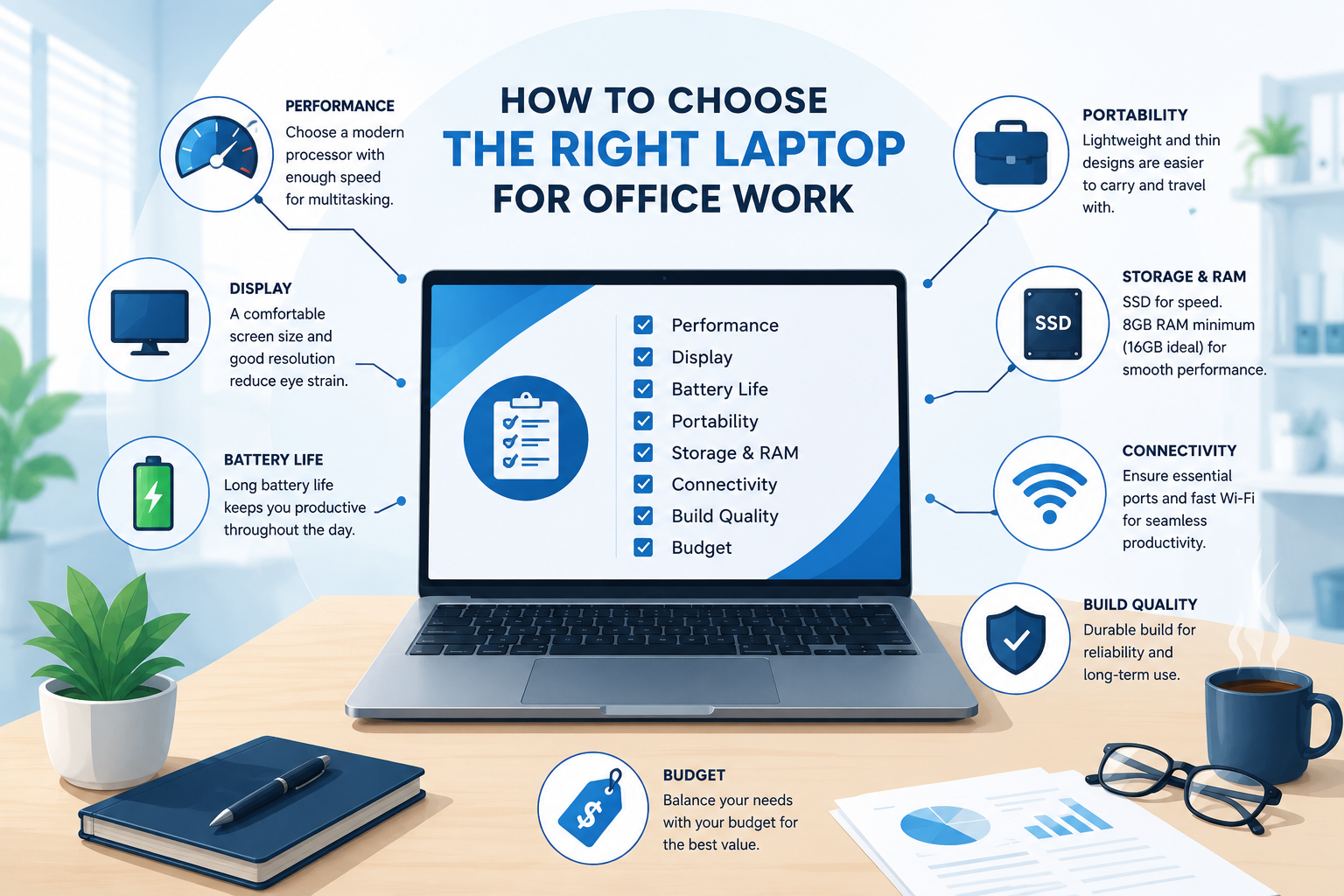
The right office laptop is not simply the newest or most expensive model. It is the machine that fits the real workload, remains dependable, and can be supported within the available budget.
Define the workload first
Write down the applications and tasks the user performs every day.
- Email, documents, and browser-based systems.
- Accounting and inventory applications.
- Online meetings and remote work.
- Programming, design, editing, or technical tools.
- Large spreadsheets or specialist software.
Buying without this list often leads to paying for features that are not useful—or choosing a machine that becomes frustrating too quickly.
Focus on the components that affect daily work
For ordinary office work, an SSD is important because it improves startup, application loading, and general responsiveness. Memory determines how comfortably the laptop handles several applications at once.
Processor names can be confusing. Compare the processor generation and class, not only labels such as Core i5 or Ryzen 5. An older processor with a familiar name may perform differently from a newer one.
Consider business-class refurbished laptops
A well-inspected refurbished business laptop can offer strong value. Business models often have better keyboards, stronger construction, and easier access to replacement parts than low-cost consumer machines.
Check:
- Battery condition.
- Screen, keyboard, ports, camera, and wireless connection.
- Storage health and memory capacity.
- Charger quality.
- Repair history and warranty.
Think about support and repairability
A laptop is easier to manage when parts, chargers, batteries, and technical information are available. Unusual models may become costly when a simple component fails.
For several staff members, buying similar models simplifies setup, accessories, repairs, and user support.
Match the screen and portability to the user
A 14-inch laptop is often a practical balance for travel and office work. Larger screens may be more comfortable for users who rarely move the device. Weight, battery life, keyboard layout, and port selection matter as much as headline specifications.
Set a complete budget
Include the cost of a bag, mouse, external storage, software, installation, data transfer, and warranty—not only the laptop.
Ask these questions before buying
- What work must this laptop handle?
- How many years should it remain useful?
- Can its storage or memory be upgraded?
- Is the battery replaceable or serviceable?
- Who will provide support if a problem appears?
The best purchase is one that supports productive work without creating unnecessary maintenance or replacement costs.
Comments
Join the conversation
Share a question, experience, or useful addition. You do not need an account; comments appear immediately after submission.
No comments yet.
Be the first to add a helpful thought.
Add your voice
Leave a comment
No login required. Your email is not displayed. Want faster follow-up? Create an account.